
How to create and animate a Nature scene
Unlock the secrets of nature animation: Learn essential techniques and master advanced skills in this comprehensive 9+ hour course
Course Summary
In this course, which has 9+ hours of content and more than 30 videos, I’ll guide you through the entire process of creating and animating a nature scene in Blender. We’ll start with project setup, installing essential tools, and customizing the workspace.
Next, we’ll move on to terrain sculpting and scattering vegetation using “Secret Paint” and Geometry Nodes. You’ll learn how to animate grass and trees, bringing your scene to life.
We’ll then focus on lighting and atmosphere, setting up the perfect mood before animating the camera for cinematic shots.
Finally, we’ll cover render settings, rendering, and post-production in DaVinci Resolve, where you’ll learn color grading and final touches to achieve a professional-quality scene.
Course Outline
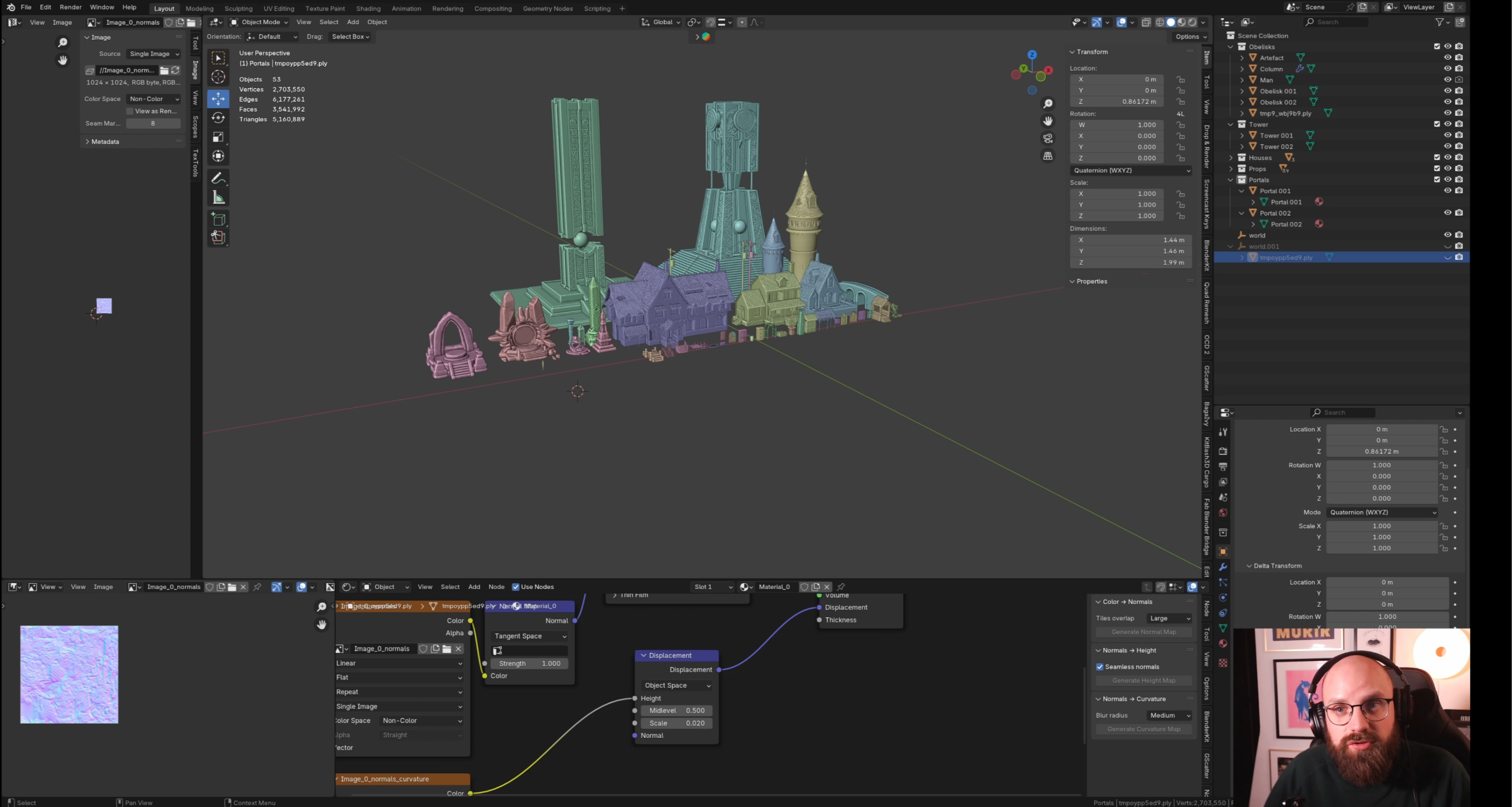
MODULE 1 – INTRODUCTION
Here, we cover the aim of the course, download programs, and resources.
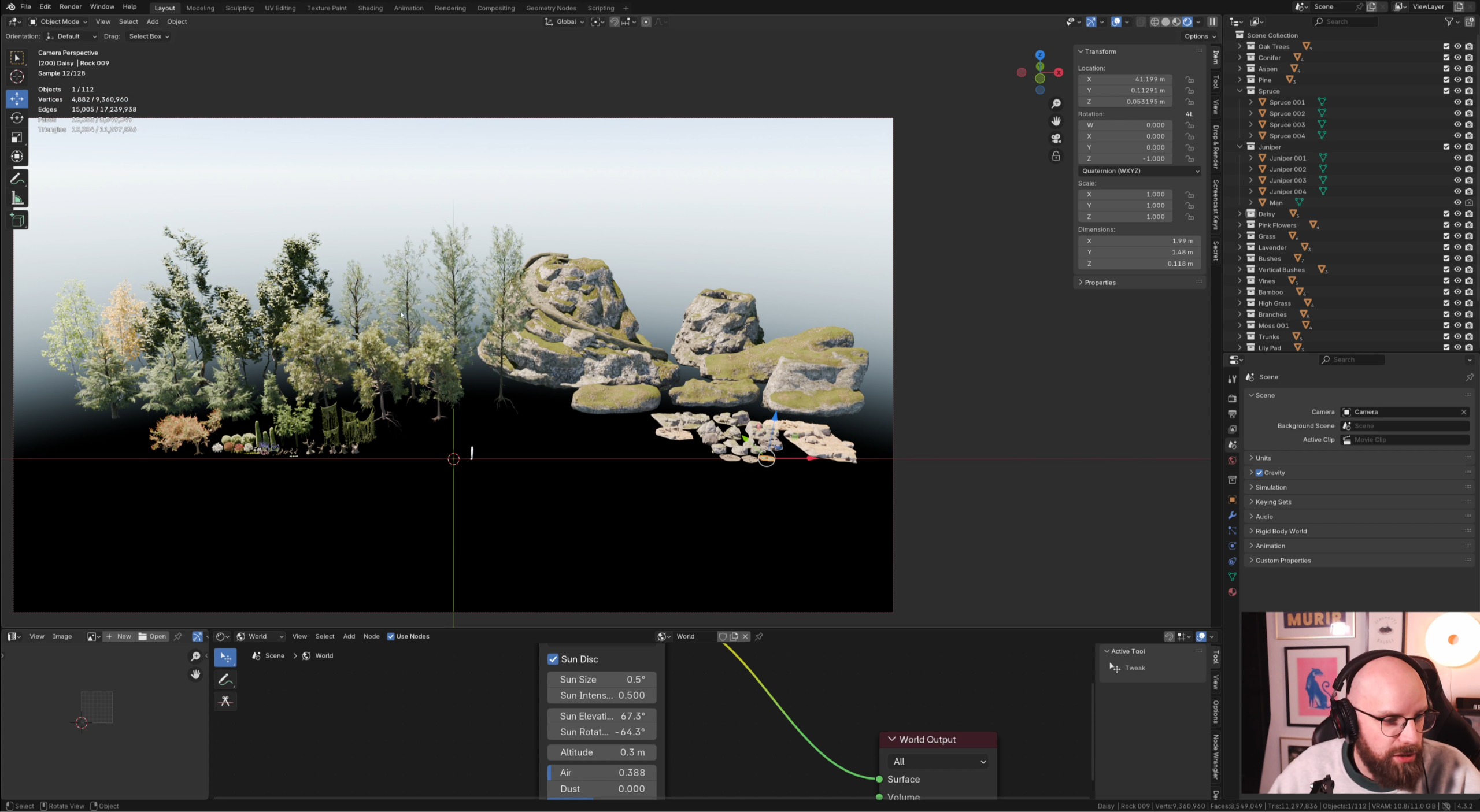
MODULE 2 – FUNDAMENTALS
Set up the asset library, customize the viewport, how to get inspired, and presentation of the assets.
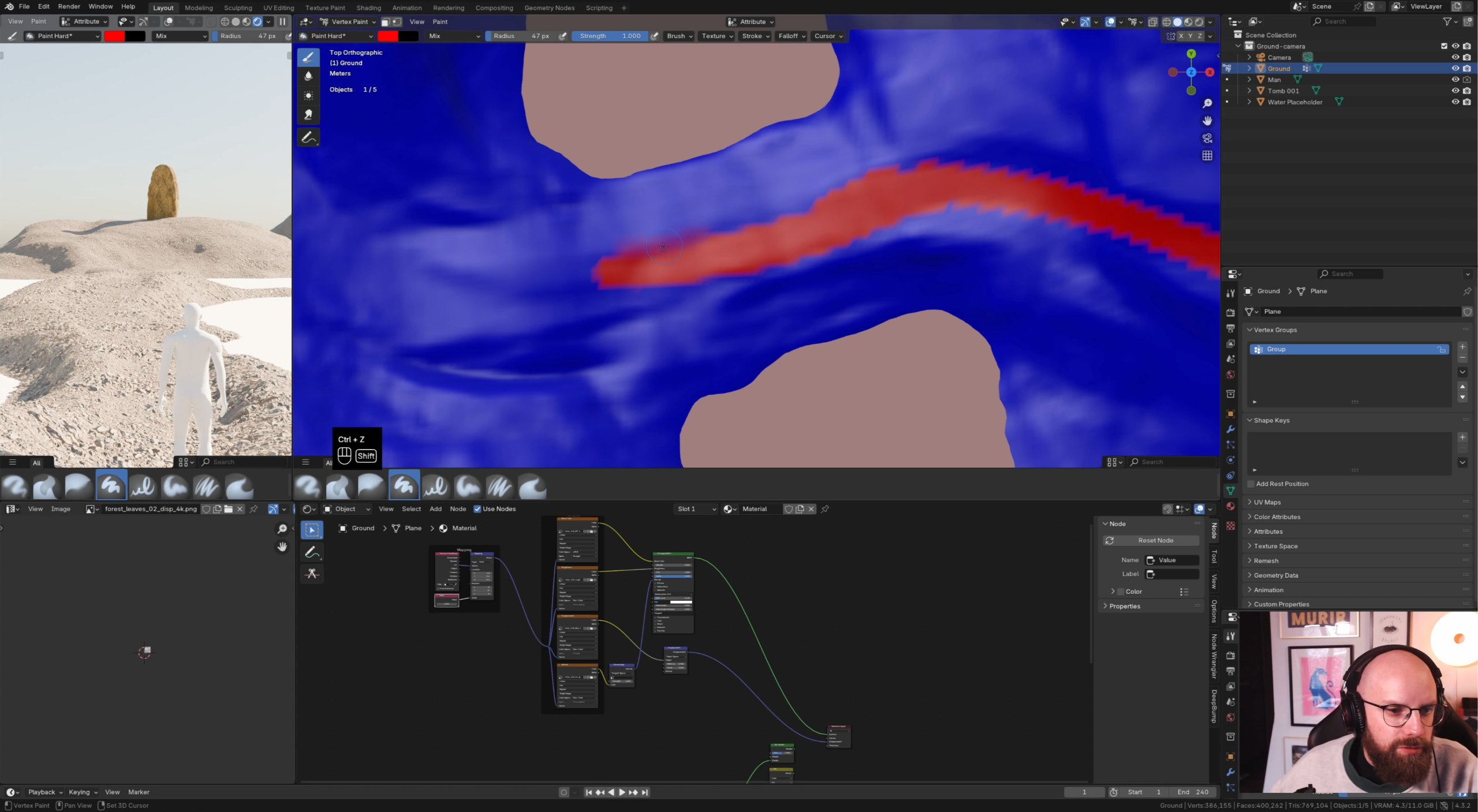
MODULE 3 – TERRAIN BASICS
Here, we will start sculpting the base landscape, create a mixed shader, add rocks, and create the water.
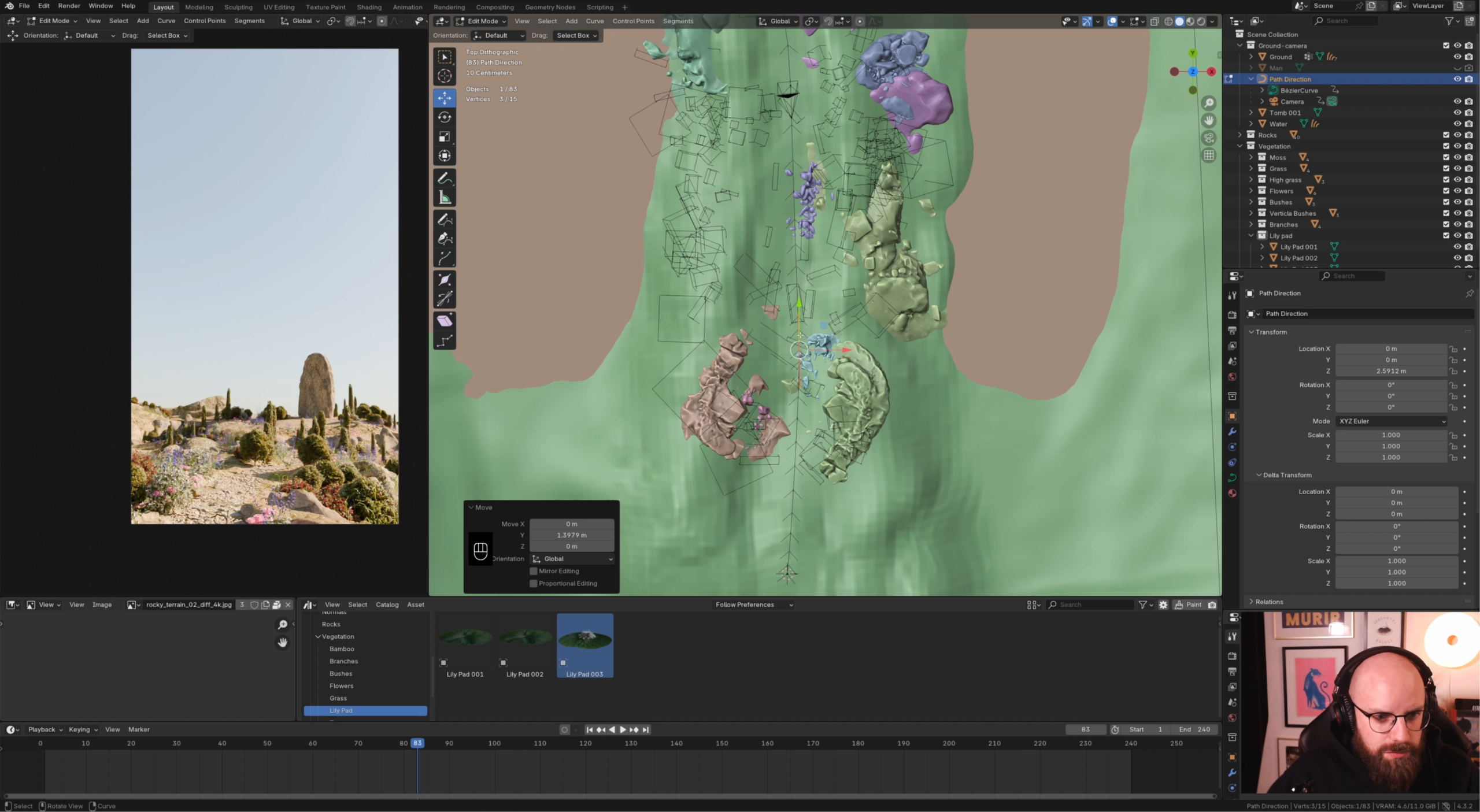
MODULE 4 – ADDING VEGETATION + CAMERA ANIMATION
Here we will work on the vegetation, I will show you how to use “Secret Paint” and also create a scatter system with geometry node. We will also animate our camera along a path.
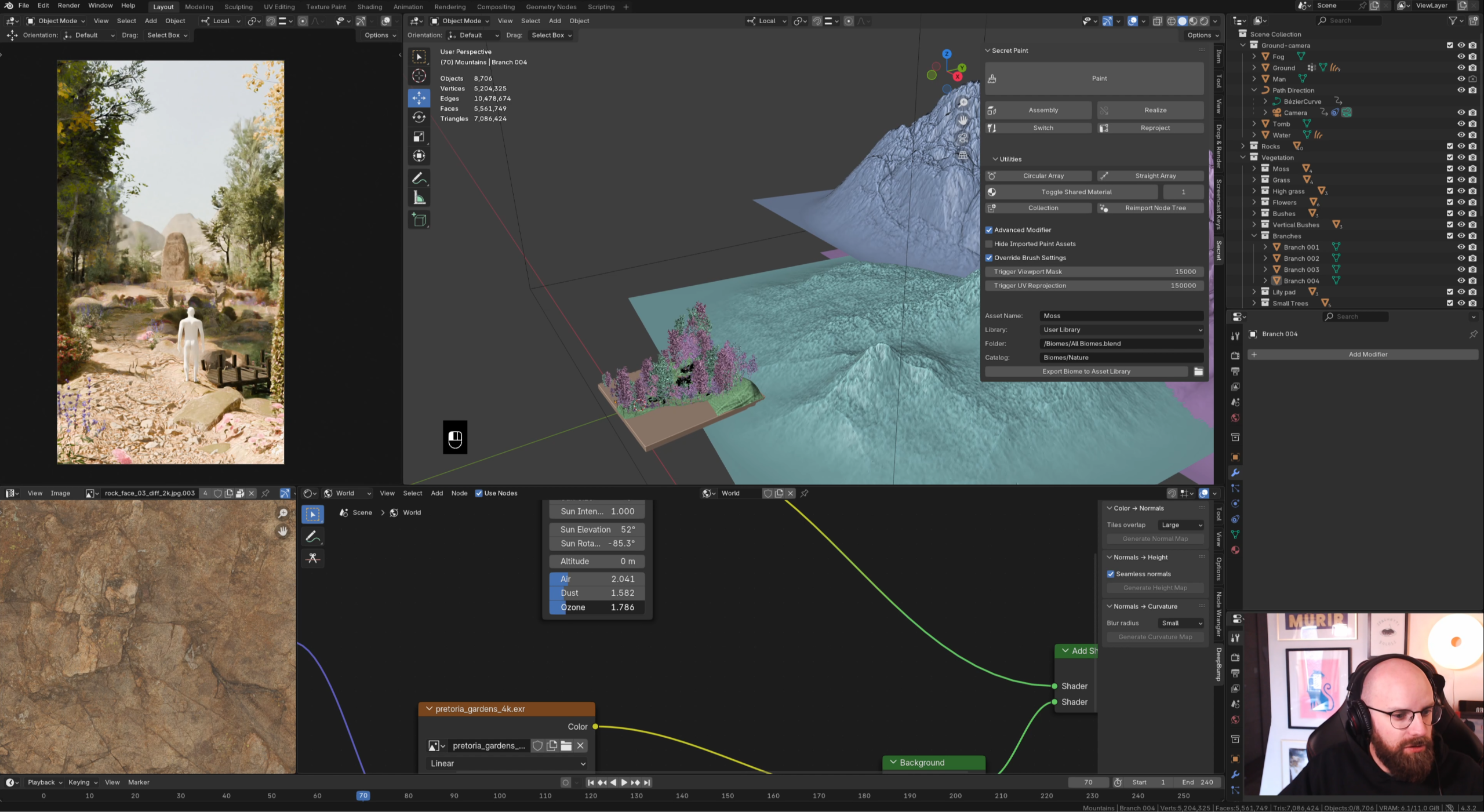
MODULE 5 – DETAILING MAIN SUBJECT, TREE SYSTEMS + BACKGROUND
Time to add details to our main subject. We will add tree systems with “Secret Paint”, work on the background and add a HDRI.
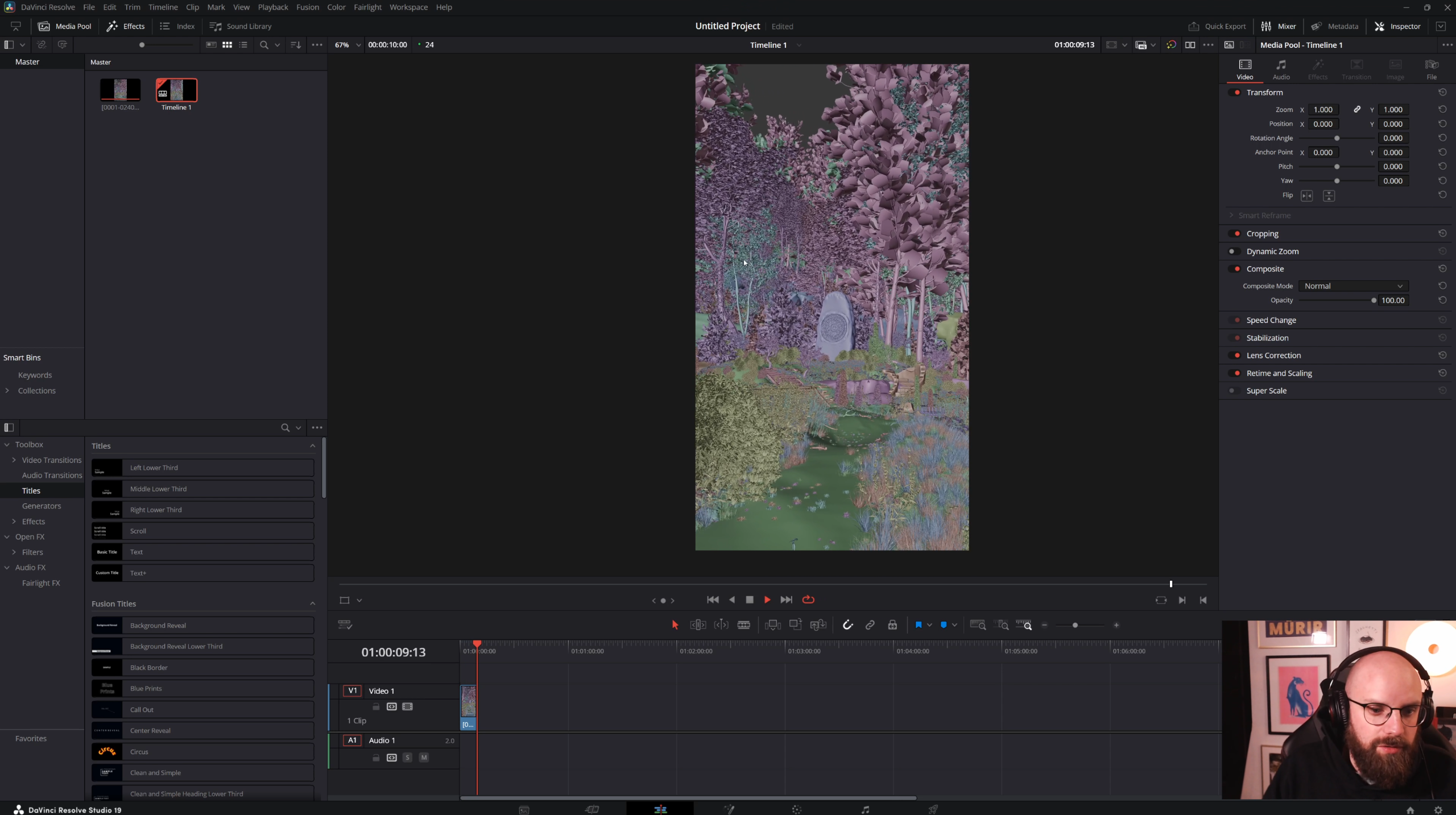
MODULE 6 – FINAL DETAILS, VEGETATION ANIMATION AND PARTICLE SYSTEM
Let’s add some more details to our scene. I will show you how I animate my vegetation, and we will create a particle system.
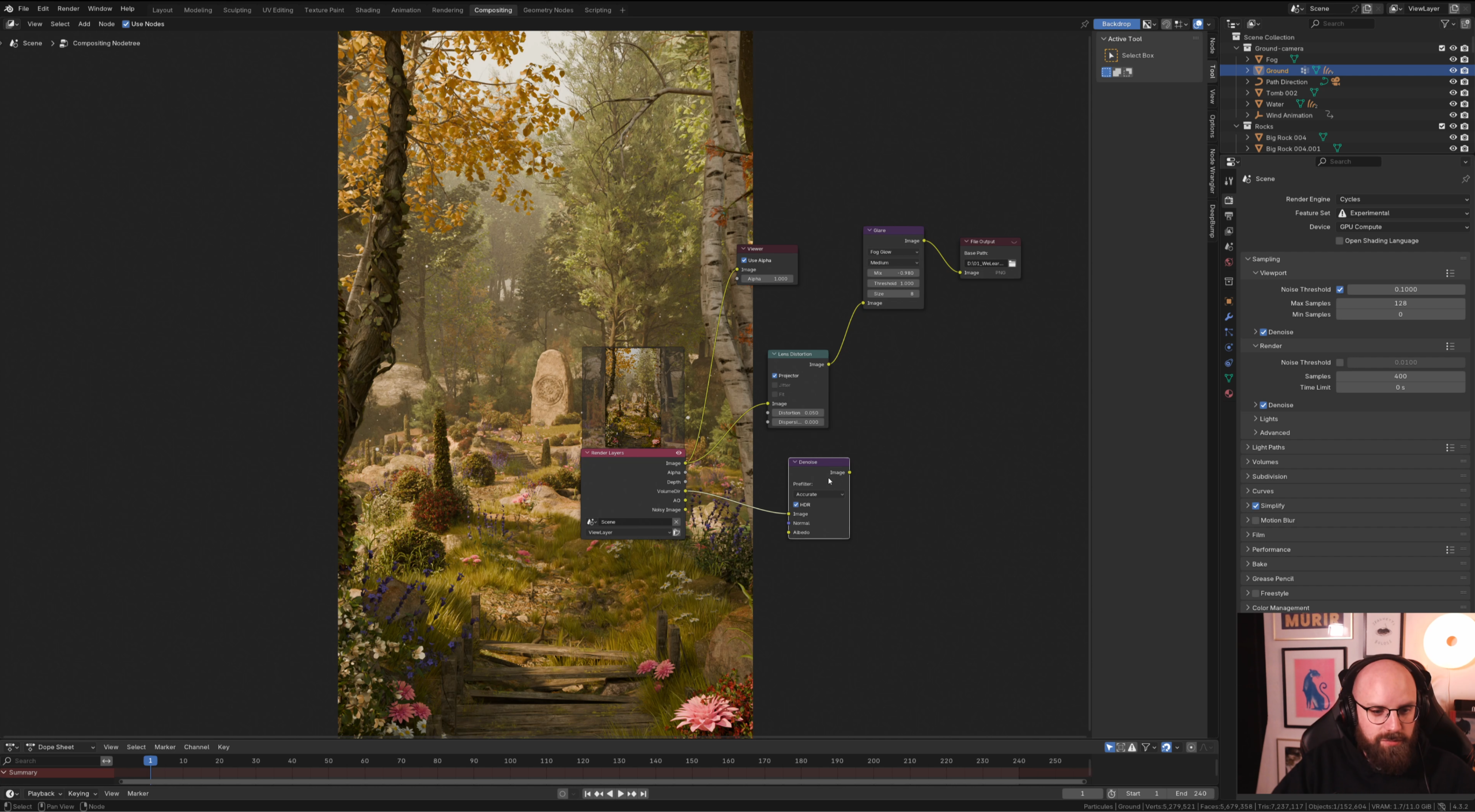
MODULE 7 – COMPOSITING
Here we will go over all the settings to render our animation and the compositing with our passes.
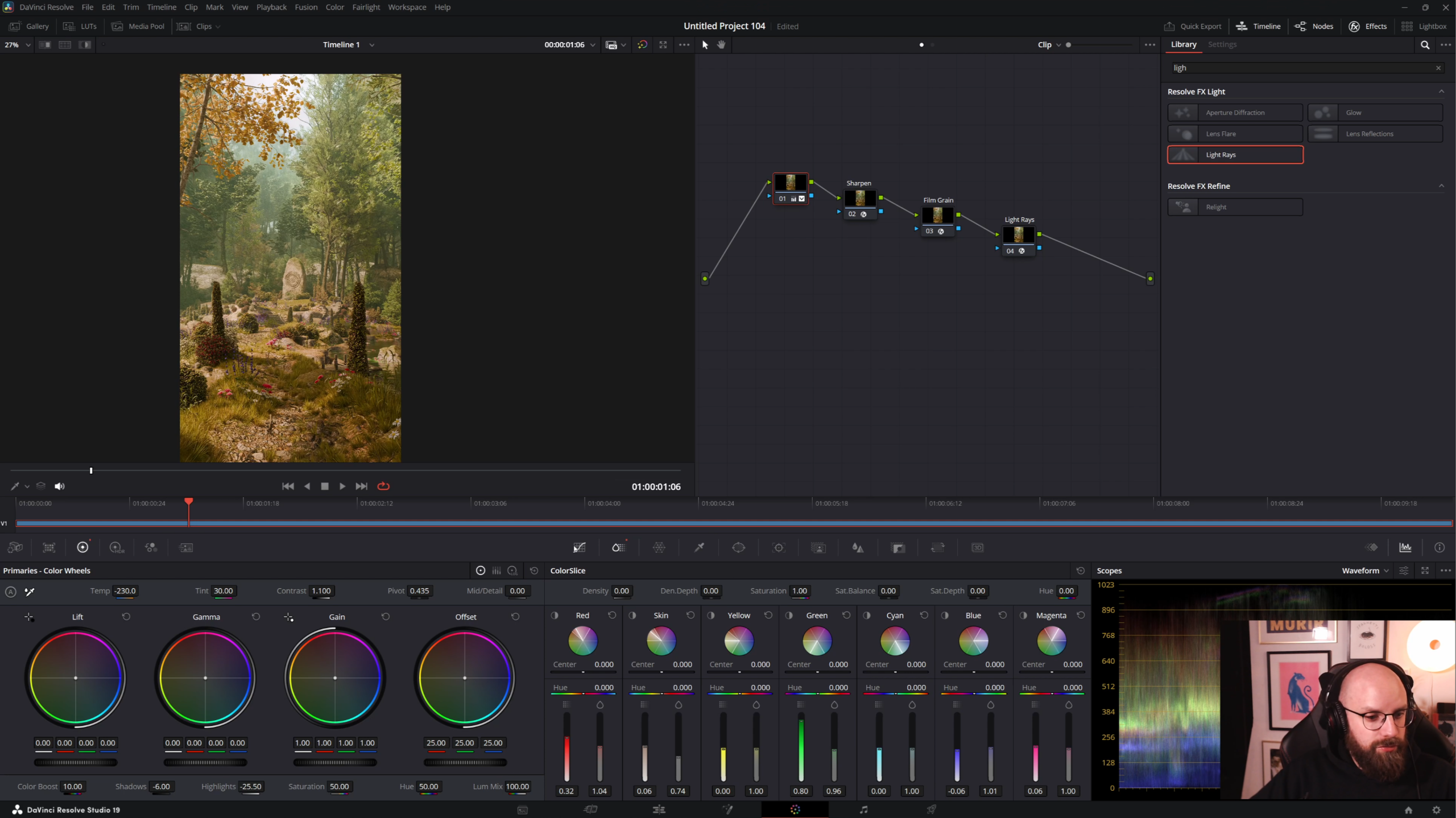
MODULE 8 – POST-PRODUCTION
Time to have our animation in Davinci Resolve. I will show you my post-production process.
Student Testimonals
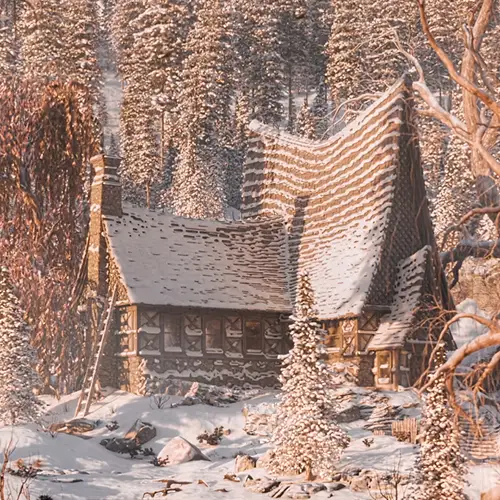
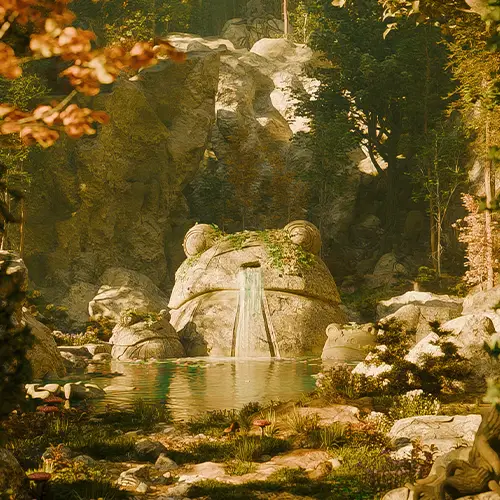
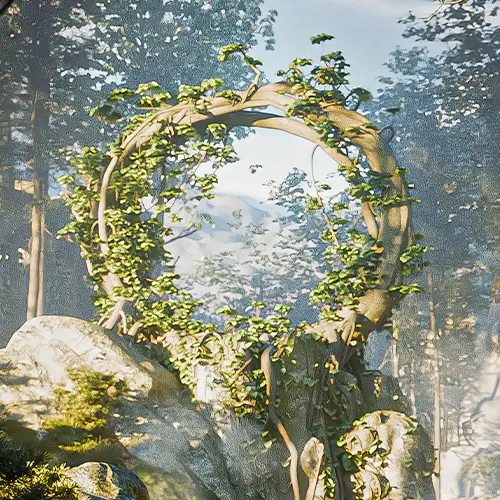
RAFAEL S.
This was exactly what I needed to level up my work. His courses goes beyond static environments and shows how to add movement in a natural, believable way. It gave me confidence to create full scenes instead of isolated assets.
Emily C.
I loved how practical and well-structured his courses are. Watching the full process of creating and animating a nature scene helped me understand not just the how, but the why behind each decision. My scenes feel more alive and professional now.
Daniel B.
This course completely changed the way I approach environment creation in Blender. Florenaux explains every step with so much clarity, from building the scene to animating subtle details that bring everything to life. It finally made complex workflows feel achievable.
Includes asset packs to make beautiful environments
*Above image is an example of the packs used in a render.
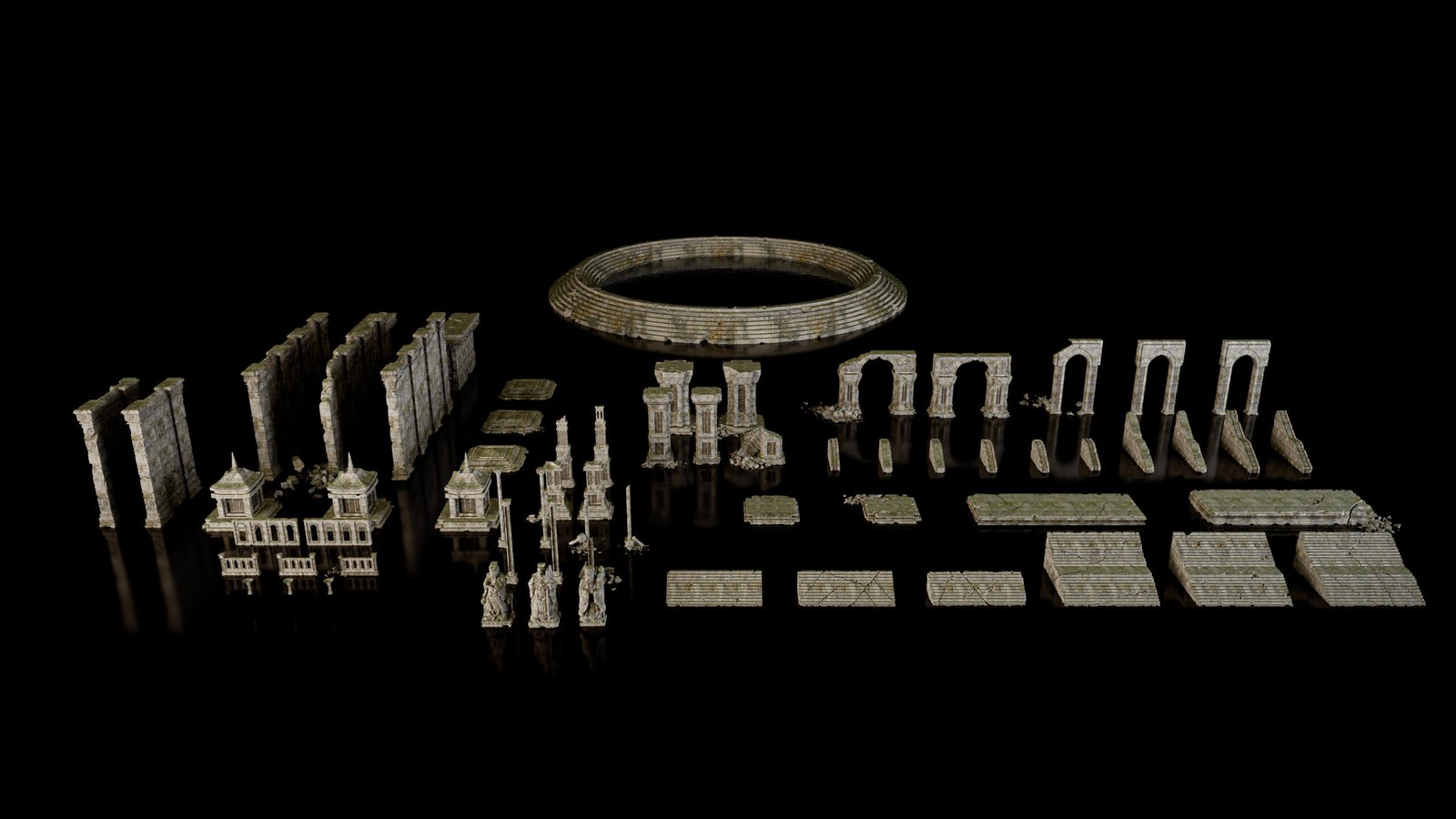
1. ABANDONED SHRINE – Modular Kitbash
This pack contains 66 modular assets designed for kitbashing, created entirely in Blender and available exclusively in .blend format.
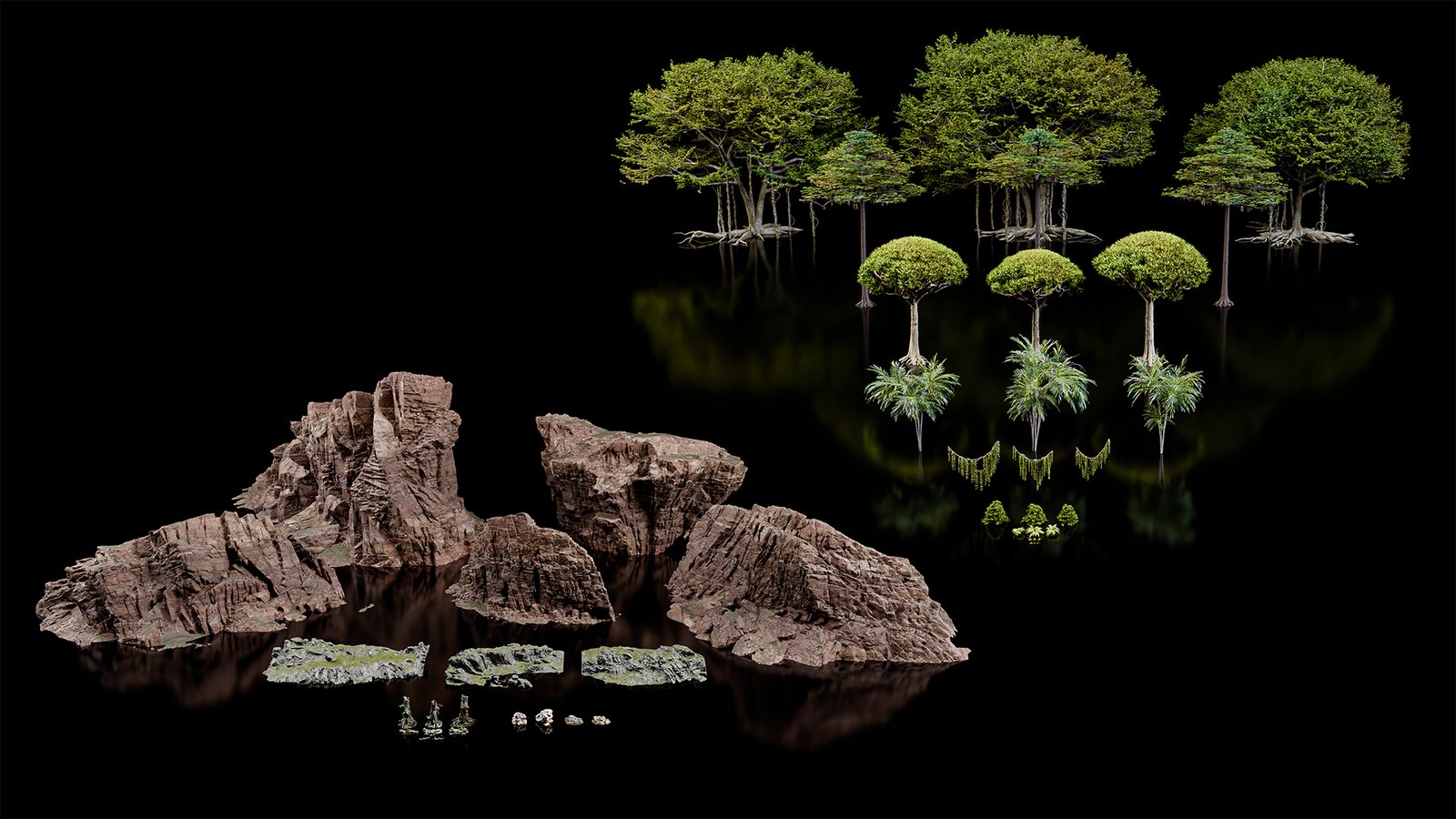
2. Vegetation Asset Pack Tropical
Contents (47 assets) :Moss: 3 variants Grass: 3 variants Fern:3 variants Fatsia Japanica: 3 variants Palm Tree: 3 variants Dragon Blood: 3 variants Wild Fig Tree: 3 variants Kapock Tree: 3 variants Vines: 3 variants Branches and trunks: 8 variants Cliffs and rocks: 12 variants.
Seasonal color customization, adjust foliage color by season and by zone directly in the shader
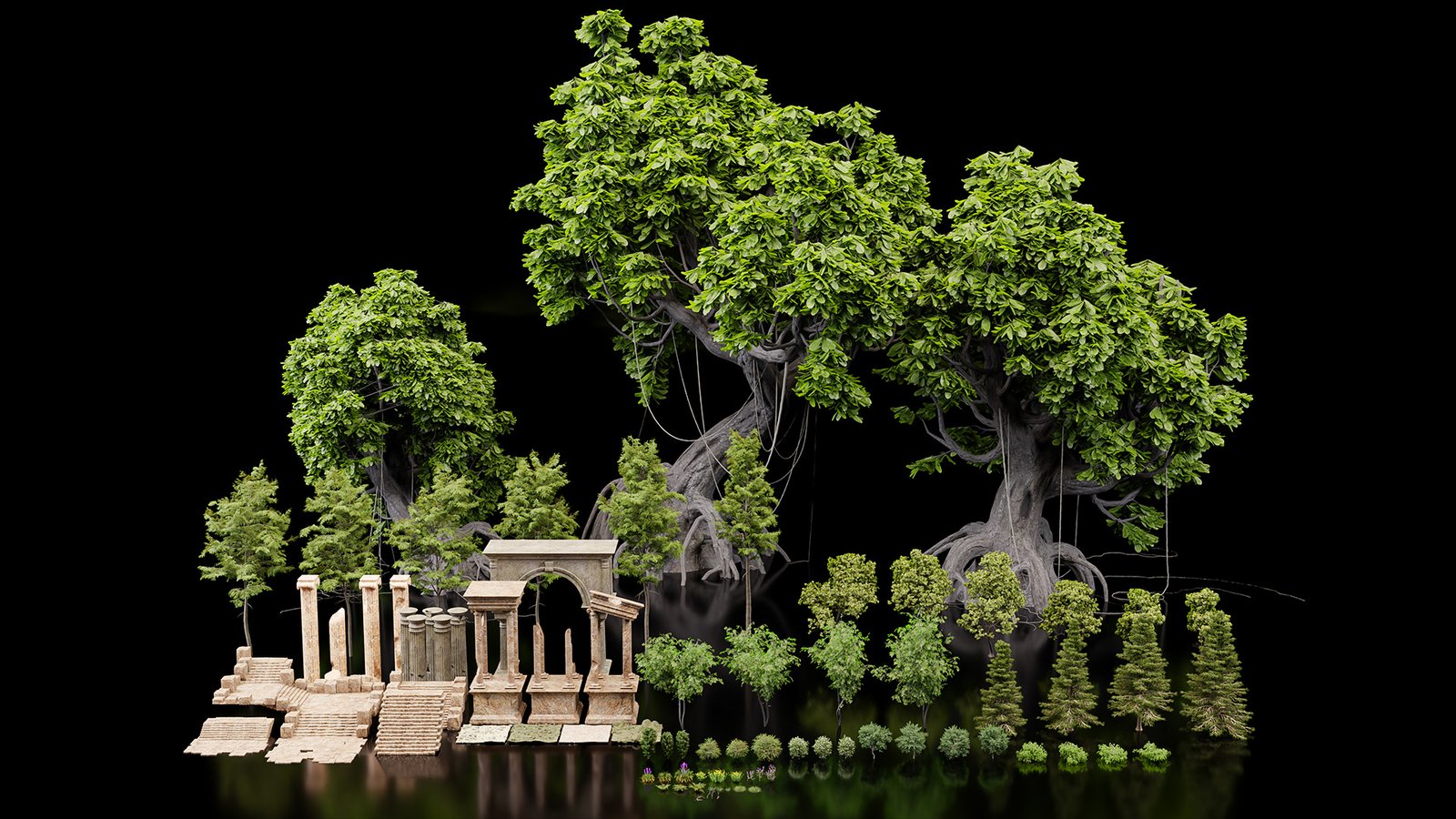
3. Vegetation Asset Pack vol. 01
A pack containing the assets I use in this first course. You’ll find everything you need to follow along with my course, but you can also use other assets included in this course. A variety of vegetation, ranging from moss to massive trees, as well as columns, arches, and staircases (a total of 84 assets).
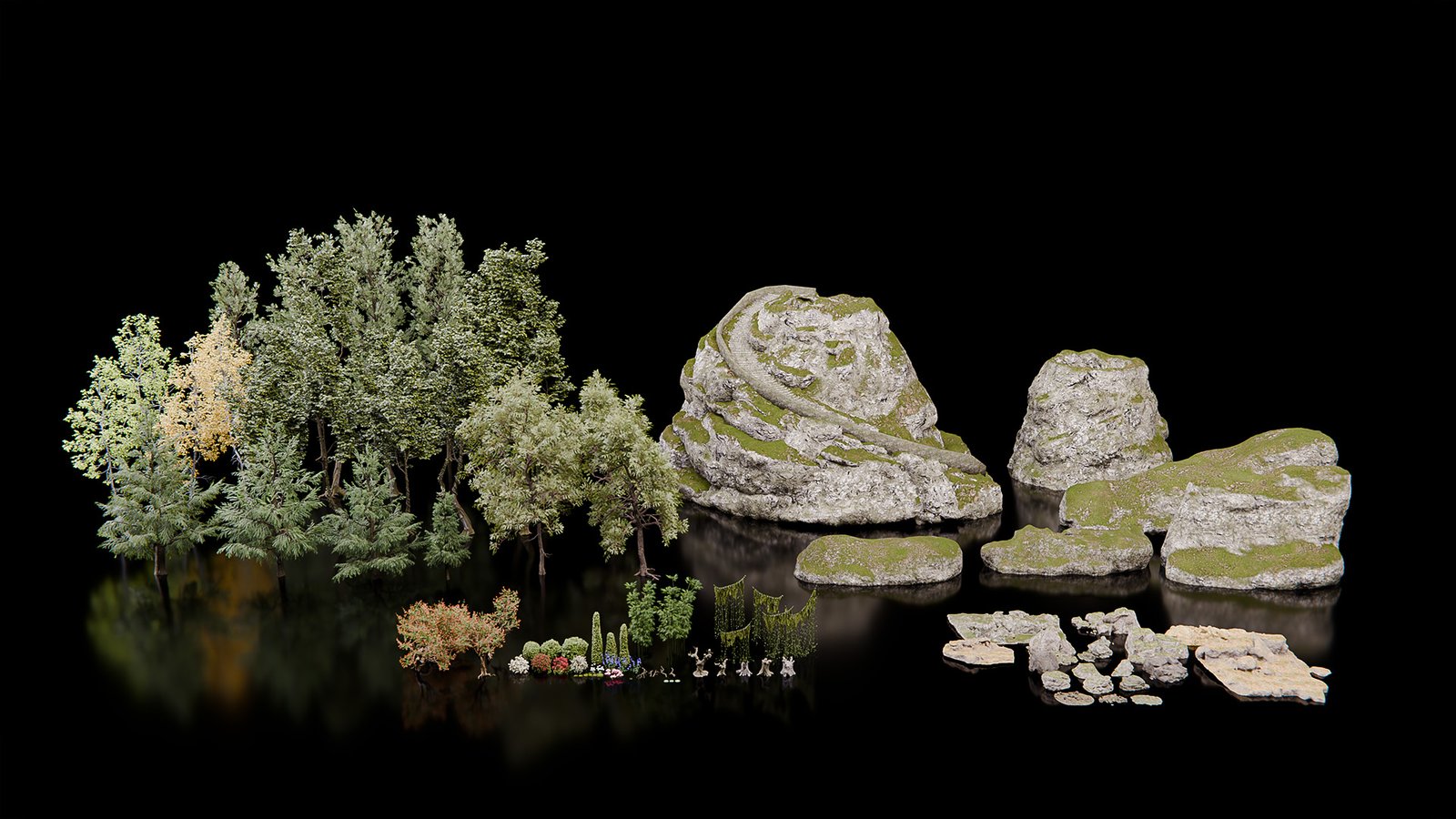
4. Vegetation Asset Pack vol. 02
More than 110 assets! More vegetation and rocks assets.
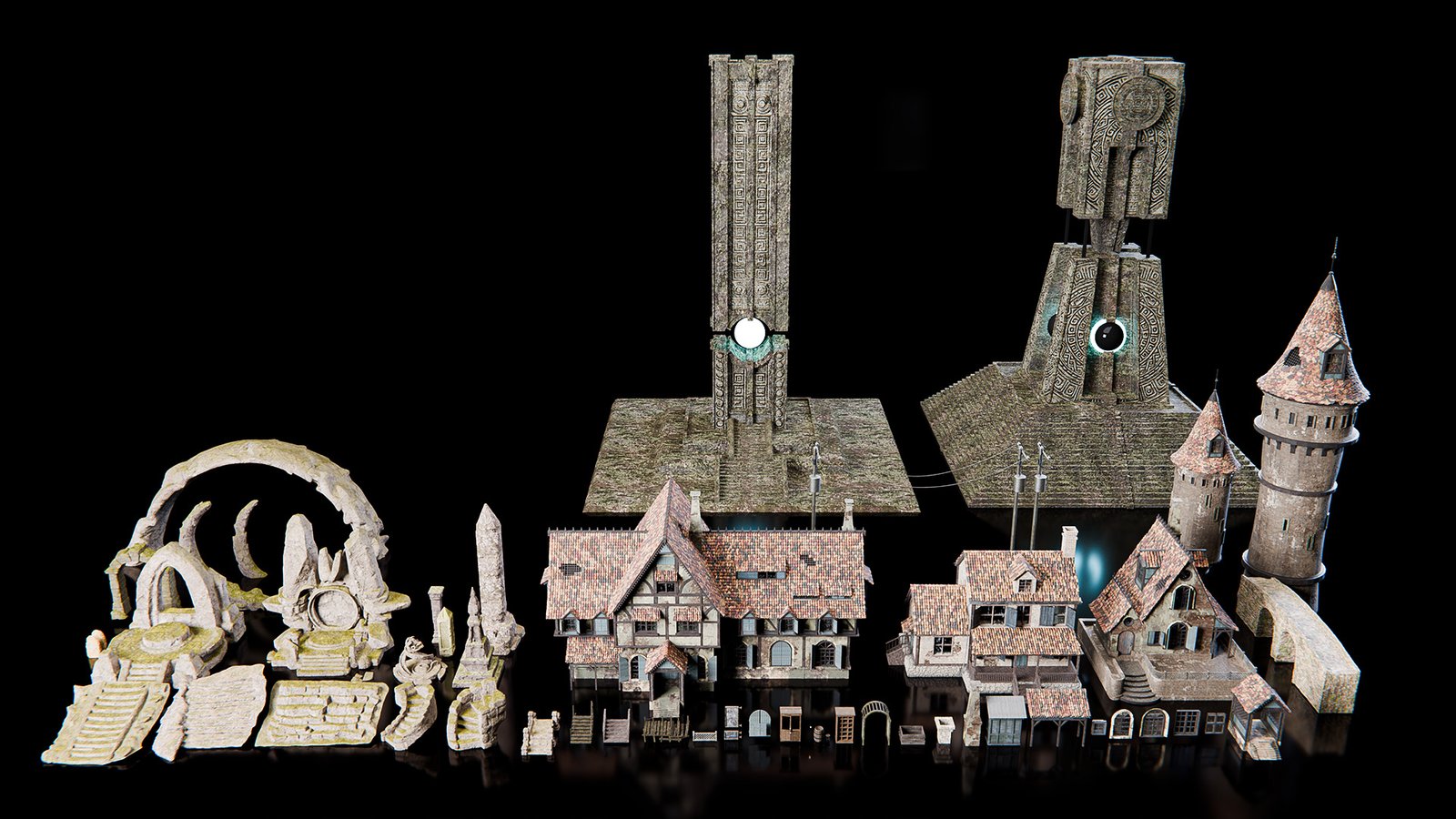
5. Architectural Asset Pack
56 architectural elements, including staircases, bridges, arches, columns, and other structures.
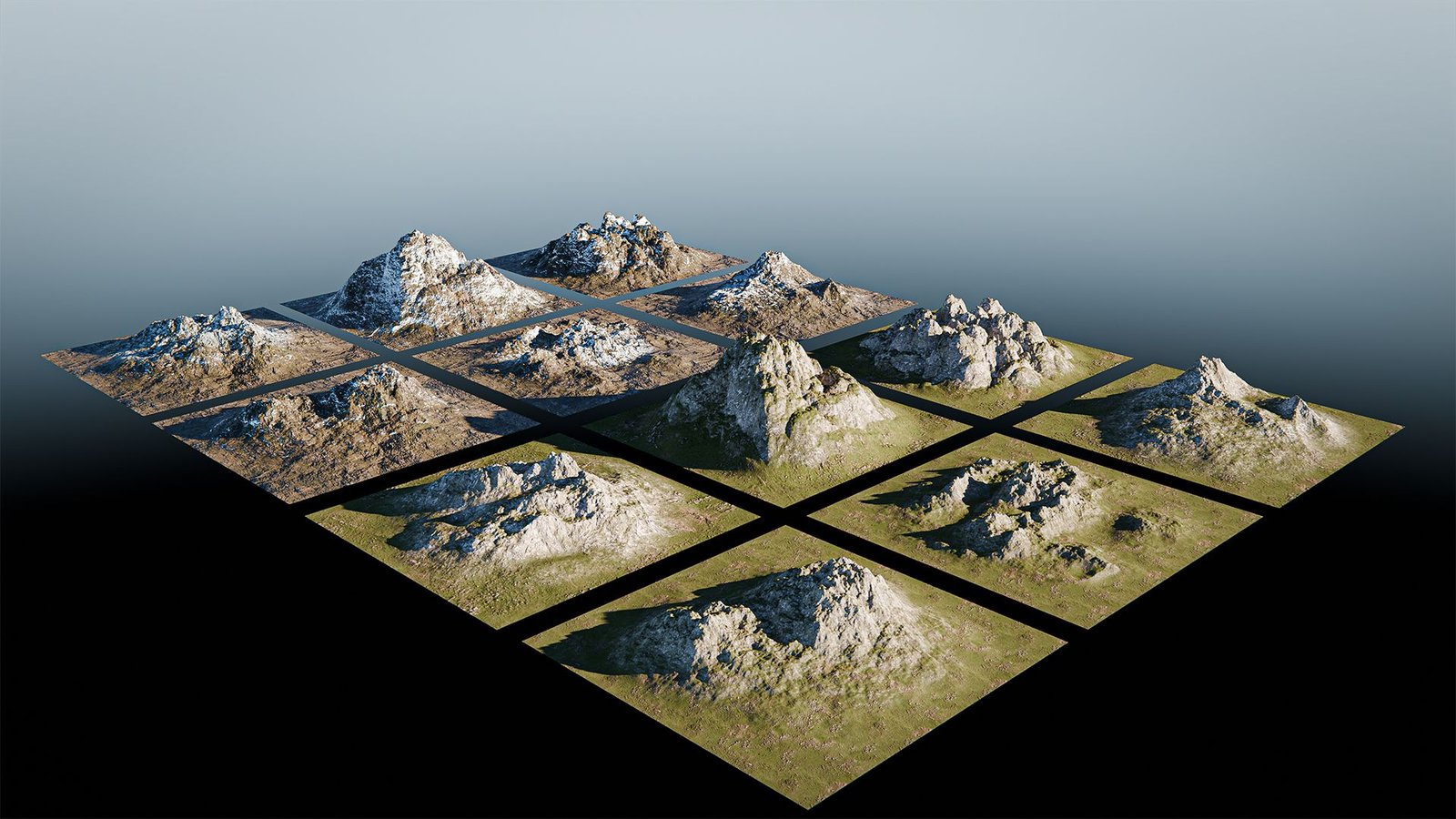
6. Mountains Asset Pack
12 mountain models to use mainly in the background of your renders!
GET IMMEDIATE ACCESS:
How to create and animate a Nature scene
One-Time Payment
$147
- 9+ hours of course
- 30+ video lessons
- 8 modules
- Access to my Discord
- Certificate of Completion
- Access on any device
- Lifetime access
- 30-Day money back guarantee
- Daily support
- Access to 375 assets to create your scenes during class and afterward
Frequently ask questions
Is the course live?
This is a self-paced course. This means the content is made of pre-recorded videos you can watch whenever you want, at your speed.Learning with an on-demand course, you can pause and practice with exercises. And you can always return to your favorite subjects or to the most challenging techniques until you master them!
What software do I need to follow along with the course?
The course is built around Blender, with light use of Photoshop for post-processing.
All of the asset packs come as .blend files.
Will I have access to the course right away?
YES! You will get access to the whole course and all the materials immediately.
For how long will I have access to the course?
The course will be yours FOREVER! You can watch the videos as many times as you want and for all the time you want! You won’t have to pay any recurrent fee after you purchase the course.
How difficult is the course?
A basic familiarity with Blender is required for this course. Newcomers to the software are encouraged to first complete Blender Guru’s donut tutorial series on YouTube, which covers the essential fundamentals.